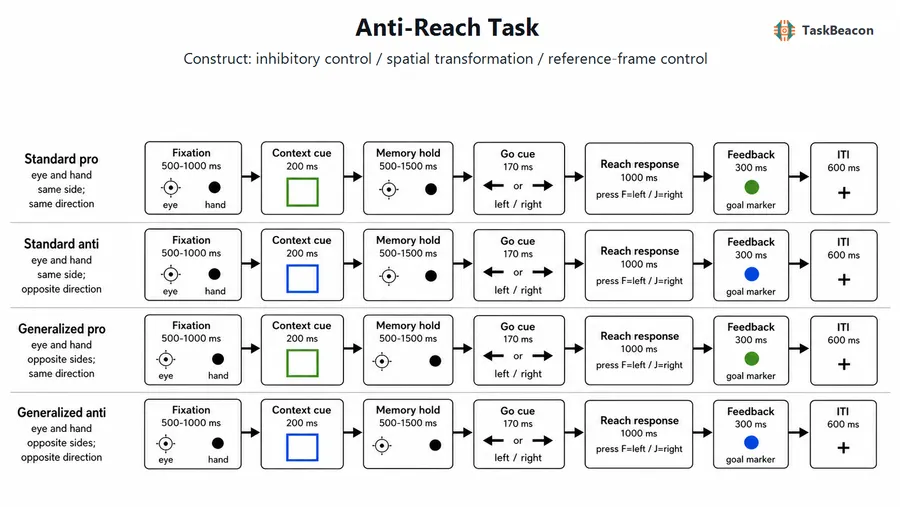
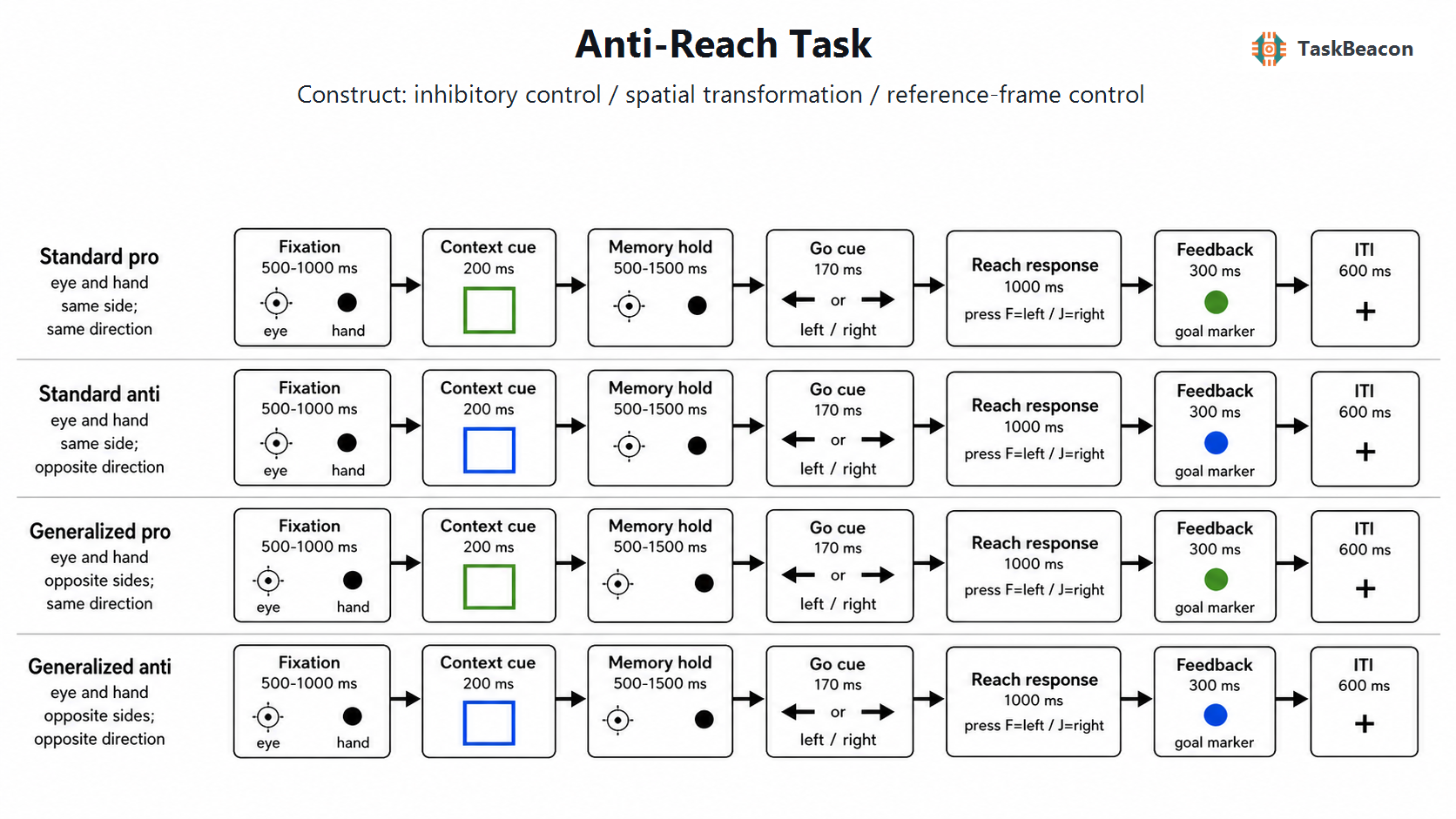
Anti-Reach Task
| Field | Value |
|---|
| Name | Anti-Reach Task |
| Version | v0.1.0-dev |
| URL / Repository | https://github.com/TaskBeacon/T000046-anti-reach-task |
| Short Description | Generalized pro/anti reach task with eye/hand reference-frame manipulation and keyboard proxy responses. |
| Created By | TaskBeacon |
| Date Updated | 2026-04-16 |
| PsyFlow Version | 0.1.12 |
| PsychoPy Version | 2025.2.4 |
| Modality | Behavior |
| Language | Chinese |
| Voice Name | zh-CN-YunyangNeural (voice disabled by default) |
1. Task Overview
This task implements a generalized anti-reach paradigm. Each trial combines a color-coded rule cue with a spatial cue, while the participant responds left or right as a portable proxy for reach direction relative to the hand anchor. Pro trials require a same-direction response relative to the spatial cue; anti trials require the opposite direction.
The trial display keeps the eye fixation point and hand anchor visually separated so both reference frames remain legible on a desktop monitor. Standard trials place eye and hand anchors on the same horizontal side; generalized trials place them on opposite sides. The cue and response windows are timed to mirror the published anti-reach protocol, while the local runtime uses deterministic sampling so the full trial sequence can be replayed and audited.
2. Task Flow
Block-Level Flow
| Step | Description |
|---|
| 1. Load config | Load the mode-specific YAML config (config.yaml, config_qa.yaml, or sim config). |
| 2. Collect subject info | Collect participant info in human mode; inject deterministic IDs in QA/sim mode. |
| 3. Initialize runtime | Set triggers, create the PsychoPy window, build the stimulus bank, and preload the config-defined stimuli. |
| 4. Show instructions | Present the Chinese instruction screen and, in human mode, the voice-rendered instruction copy. |
| 5. Run blocks | Call BlockUnit.generate_conditions() to schedule the 16 anti-reach condition tokens across the block. |
| 6. Show block break | Present block accuracy, correct-response RT, and timeout counts after each block except the last. |
| 7. Save data | Write trial-level CSV output and the runtime settings JSON. |
| 8. Finalize | Emit the end trigger, close the trigger runtime, and quit PsychoPy. |
Trial-Level Flow
| Step | Description |
|---|
fixation | Show the eye fixation spot and the hand anchor in the trial-specific left/right positions. |
context_cue | Show a green pro frame or blue anti frame around the eye fixation spot. |
memory_hold | Remove the context frame and hold fixation before the go signal. |
go_cue | Flash the white spatial cue at the eye-centered cue location. |
reach_response | Keep the cue visible while capturing the left/right reach-direction proxy response. |
feedback | Show the correct goal marker and a brief Chinese outcome label. |
iti | Show a neutral fixation cross before the next trial. |
Controller Logic
| Feature | Description |
|---|
| Condition Scheduling | Uses the built-in BlockUnit.generate_conditions(...) path instead of a custom scheduler. |
| Determinism | Trial tokens are parsed into positions, cue sides, and correct keys with a seeded helper in src/utils.py. |
| Balance | The 16 trial tokens are evenly sampled within each block. |
Other Logic
| Component | Description |
|---|
| Trial-spec builder | build_antireach_trial_spec(...) derives eye/hand positions, cue location, goal location, and deterministic durations from the block seed and trial id. |
| Summary helpers | summarizeBlock(...) and summarizeOverall(...) compute accuracy, mean RT, timeout count, and total trials from the reduced rows. |
| Sampler responder | responders/task_sampler.py emits plausible QA/sim responses using the correct key from runtime factors. |
3. Configuration Summary
Settings are loaded from config/config.yaml in human mode and from the QA/sim variants in automated modes.
a. Subject Info
| Field | Meaning |
|---|
subject_id | 3-digit participant identifier. |
b. Window Settings
| Parameter | Value |
|---|
size | [1024, 768] |
units | pix |
screen | 0 |
bg_color | black |
fullscreen | false |
monitor_width_cm | 35.5 |
monitor_distance_cm | 60 |
c. Stimuli
Core task parameters and visible stimuli are listed below.
Core Task Parameters
| Parameter | Value |
|---|
conditions | 16 tokens spanning standard/generalized x pro/anti x cue left/right |
total_blocks | Human 4; QA/sim 1 |
trial_per_block | Human 32; QA/sim 16 |
overall_seed | 2026 |
position_step_px | 145 |
eye_row_y_px | 120 |
hand_row_y_px | -120 |
cue_row_y_px | 120 |
goal_row_y_px | -120 |
Visible Stimuli
| Stimulus ID | Type | Description |
|---|
instruction_text | text | Chinese instruction block describing the red eye fixation spot, white hand anchor, green pro frame, blue anti frame, and F/J response mapping. |
fixation_cross | text | Neutral white cross used during the ITI. |
eye_fixation | circle | Red fixation spot in the eye row. |
hand_anchor | circle | White hand anchor in the hand row. |
context_frame | rect | Square rule frame rebuilt as green for pro and blue for anti. |
spatial_cue | circle | White spatial cue at the eye-centered cue location. |
goal_marker | circle | Colored endpoint marker used on the feedback screen. |
feedback_text | text | Brief Chinese outcome label shown above the goal marker. |
block_break | text | Block summary with accuracy, mean RT, and timeout count. |
good_bye | text | End-of-task summary screen. |
d. Timing
| Phase | Duration |
|---|
| fixation | 0.5-1.0 s |
| context cue | 0.2 s |
| memory hold | 0.5-1.5 s |
| go cue | 0.17 s |
| response window | 1.0 s |
| feedback | 0.3 s |
| ITI | 0.6 s |
e. Triggers
| Event | Code |
|---|
exp_onset | 1 |
exp_end | 2 |
block_onset | 10 |
block_end | 11 |
fixation_onset | 20 |
context_cue_onset | 21 |
memory_hold_onset | 22 |
go_cue_onset | 23 |
response_window_onset | 24 |
feedback_hit_onset | 40 |
feedback_miss_onset | 41 |
response_left | 50 |
response_right | 51 |
response_timeout | 60 |
iti_onset | 70 |
f. Adaptive Controller
| Parameter | Value |
|---|
| Controller | None |
| Block scheduling | Built-in BlockUnit.generate_conditions(...) |
| Simulation policy | TaskSamplerResponder for sampler sim; built-in scripted responder for smoke sim |
4. Methods (for academic publication)
Participants completed a generalized anti-reach task implemented in PsychoPy/PsyFlow. Each trial began with a fixation display showing an eye fixation spot and a hand anchor on separate rows. A colored square frame then indicated whether the participant should respond in the same direction as the spatial cue (pro) or the opposite direction (anti). After a memory delay, a brief white spatial cue appeared and the participant made a left/right keyboard response that served as a portable proxy for reach direction relative to the hand anchor.
The design preserves the published reference-frame logic by manipulating both cue side and eye/hand arrangement. Standard trials keep the eye and hand anchors on the same horizontal side, whereas generalized trials place them on opposite sides. This allows the runtime to audit compatibility in eye-centered and hand-centered frames while keeping the participant interface simple enough for desktop execution.
All participant-facing text lives in the YAML configs, while the state machine, stimulus placement, and trial timing are handled in code. Trial-specific positions and durations are derived deterministically from the block seed and trial id, which makes the task reproducible across human, QA, and simulation modes. This structure supports both experimental use and traceable validation of the anti-reach logic.